Activity 1.1: Computer Systems

Activity 1.1
Computer Systems
Key Concepts
How a Computer Works
Input, Processing, Output, and Memory
Binary
The Four Basic Functions
Every computer, from a laptop to a microwave, performs the same four basic functions.
The Four Basic Functions
Input
Information a computer receives from the outside world.
- Keyboard and mouse
- Microphone and camera
- Sensors (temperature, motion, light)
Output
Information a computer sends back out to the world.
- Monitor and speakers
- Printer
- LEDs and motors
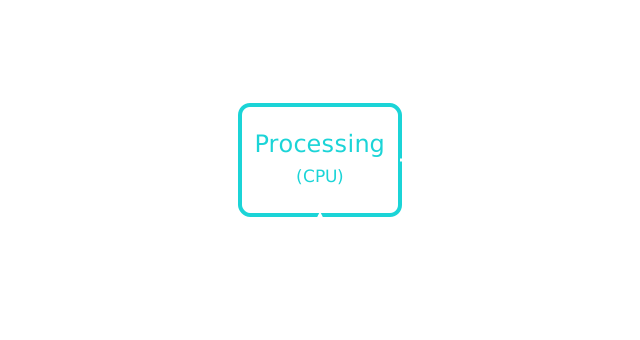
Processing
The CPU (Central Processing Unit) is the "brain" of the computer. It carries out instructions and makes decisions, one step at a time.
Memory
Computers need somewhere to hold data while they work, and somewhere to keep it long-term.
- RAM — temporary, cleared when the power turns off
- Storage (like a hard drive or SSD) — permanent, kept even after the power turns off
Binary
Underneath everything a computer does, it only understands two states: on and off.
We represent those two states as 1 and 0. Each one is called a bit.
Binary

Eight bits grouped together make one byte.
Today's Objectives
- Identifying input, processing, output, and memory
- Understanding binary as a computer's "language"
Key Terms
- Input
- Information a computer receives from the outside world.
- Output
- Information a computer sends back out to the world.
- Processing (CPU)
- The part of the computer that carries out instructions.
- Memory
- Where a computer holds data, either temporarily (RAM) or long-term (storage).
- Binary
- A system of representing information using only two states, on and off.
- Bit
- A single binary digit, either 0 or 1.
- Byte
- A group of eight bits.
'F' → Fullscreen
Build
No coding yet — today is about recognizing these ideas in the devices you already use.
Task 1: Find the Four Functions in a Real Device
- Pick a device you use every day (phone, laptop, game console, car, microwave).
- List at least one real example of that device's input, output, processing, and memory.
Task 2: Spot the Bits
- Look at the byte diagram from the presentation (
01000001). - Count how many total on/off combinations are possible in one byte, and write down how you figured it out.
Checkpoint
You should be able to explain, in your own words:
- One real example each of input, processing, output, and memory from your chosen device.
- Why a byte can represent 256 different values.
Reflection
Answer the following questions before submitting your work.
- Which of the four basic functions (input, processing, output, memory) do you think is most similar to a human's brain? Explain your reasoning.
- Why do you think computers only use binary (0s and 1s) instead of the decimal numbers people use every day?
- Pick one device from Task 1 that surprised you once you broke it down into input/processing/output/memory. What surprised you about it?
Submit
Submit the required files to the appropriate dropbox.